If you have an urgent medical problem which cannot wait until the surgery re-opens please dial 111 or visit NHS 111 Online to access the out-of-hours service.

Wired Fire Risk Awareness Session For Unpaid Carers on 30 October 2026 Wired Yoga Free For Unpaid Carers Women’s Health and Wellbeing Fair 13 October 2026 5 reasons to have your flu vaccine when you are pregnant Did you miss your appointment in September 2026? Stoptober – Ready to Quit Smoking? NHS Living Well Service Hub of Hope – getting help with your mental health Wirral Community Adult Mental Health Information Channel on WhatsApp and Wellbeing Booklet Mamafit Wirral
Register for Emergency Services SMS Text
If you or a family member have a communication need, you can access the emergency services from anywhere in the UK using Emergency SMS. Just text ‘register’ to 999 to get set up.
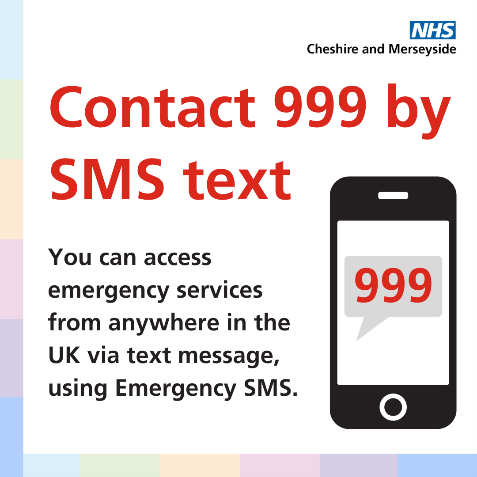
You MUST REGISTER YOUR MOBILE NUMBER before you can use it.
See how to set up emergencySMS.
1. Register your mobile: Text the word ‘register’ to 999. You’ll need to register again if you change your mobile number.
2. Read the message: You’ll get an automatic text reply. Please read it all.
3. Reply to the message: Read the message and then reply by texting ‘yes’.
4. Get a ‘success’ text: You’ll then get a text telling you that your mobile is now registered – or if there’s been a problem…
5. Check it: Text ‘register’ to 999 and you’ll get a message telling you if it’s registered or not. Don’t text anything else – there’s no need to make a test call. You’re now set up.
Can’t register? If you try to register but don’t get the ‘success’ text, check with your mobile provider to make sure they support the emergencySMS service.
Opening Times
- Monday08:00am to 06:30pm
- Tuesday08:00am to 06:30pm
- Wednesday08:00am to 06:30pm
- Thursday08:00am to 06:30pm
- Friday08:00am to 06:30pm
- SaturdayCLOSED
- SundayCLOSED
Useful Links